




















14 Top Laptops for Architects and Designers (NEW for 2026)
Architizer’s Tech Directory is a database of tech tools for architects — from the latest generative design and AI to rendering and visualization, 3D modeling, project management and many more. Explore the complete library of categories here.
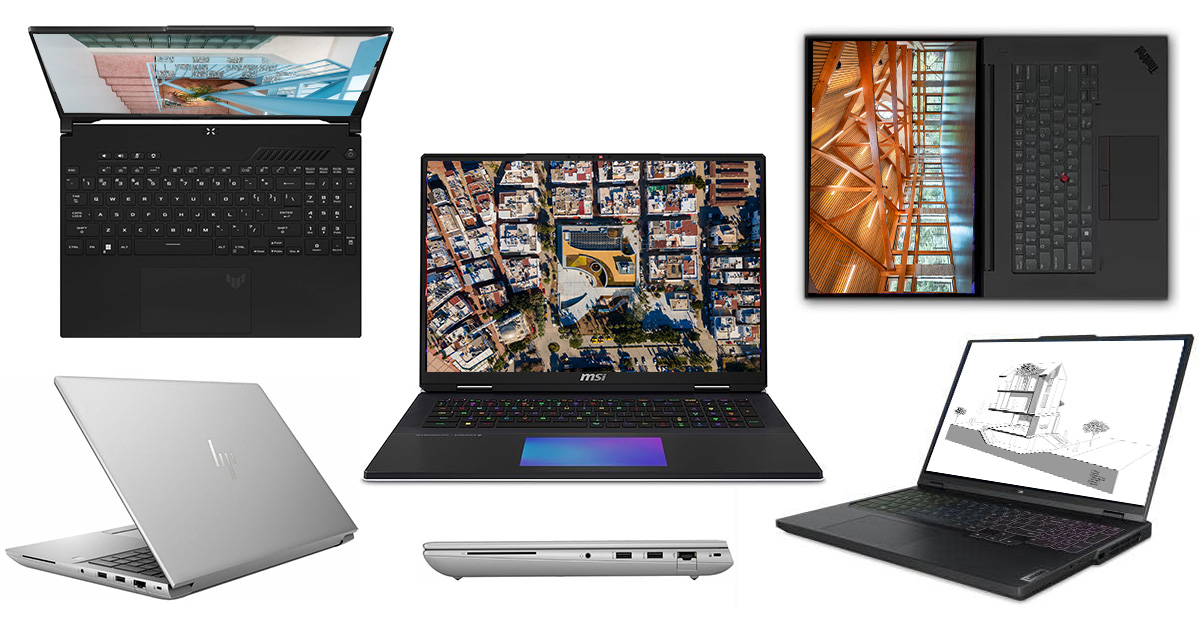
Planning to upgrade your workstation for the new year? Looking to invest in a quality device that will assist in all your real-time visualizations, renderings and photo editing? We are back with our annual catalog of laptops and mobile workstations best suited for architects and designers. With work from home continuing to triumph, the necessity for a well-performing laptop remains true. But even more so for architects, who require ample storage, great processors and advanced graphic cards for their dynamic types of work. Luckily, there’s a great lineup of newly released devices to pick from, and there’s something for everyone.
Without further ado, here are the best picks from this past year:
Architizer Journal is reader-supported. When you buy a laptop or any other product through Amazon links on our site, we may earn an affiliate commission. Learn more.
Premium Laptops for Architects
MSI Titan 18 HX
Best Desktop-Replacement
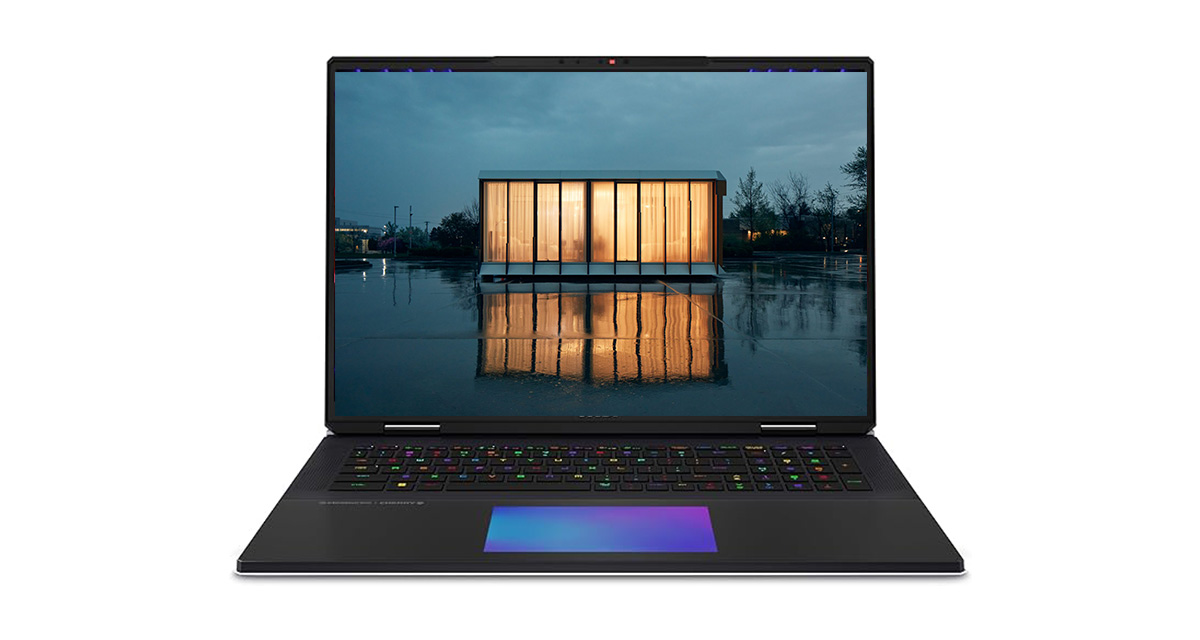 The MSI Titan 18 HX is built for architects who want their laptop to behave like a full desktop workstation. This is a machine designed to stay on a desk for long sessions, handling massive models, extended render times and demanding visualization tasks without compromise.
The Intel Core Ultra 9 285HX processor excels at CPU-heavy workloads such as large Revit projects, complex Grasshopper definitions and simulation-driven workflows. Combined with the NVIDIA RTX 5090, it delivers exceptional performance for high-end rendering and scene-heavy environments in tools like V-Ray, Corona, Unreal Engine and Lumion, where lighting, textures and geometry are pushed to their limits.
Its expansive 18-inch 4K Mini LED display gives drawings, material studies and render outputs room to breathe, making detailed review far more comfortable than on smaller screens. With significant memory and storage headroom, the Titan 18 HX is a true desktop replacement, and its premium price reflects that level of performance — aimed squarely at professionals who need the most power available in a single machine.
Razer Blade 14
Best Portable Gaming Laptop
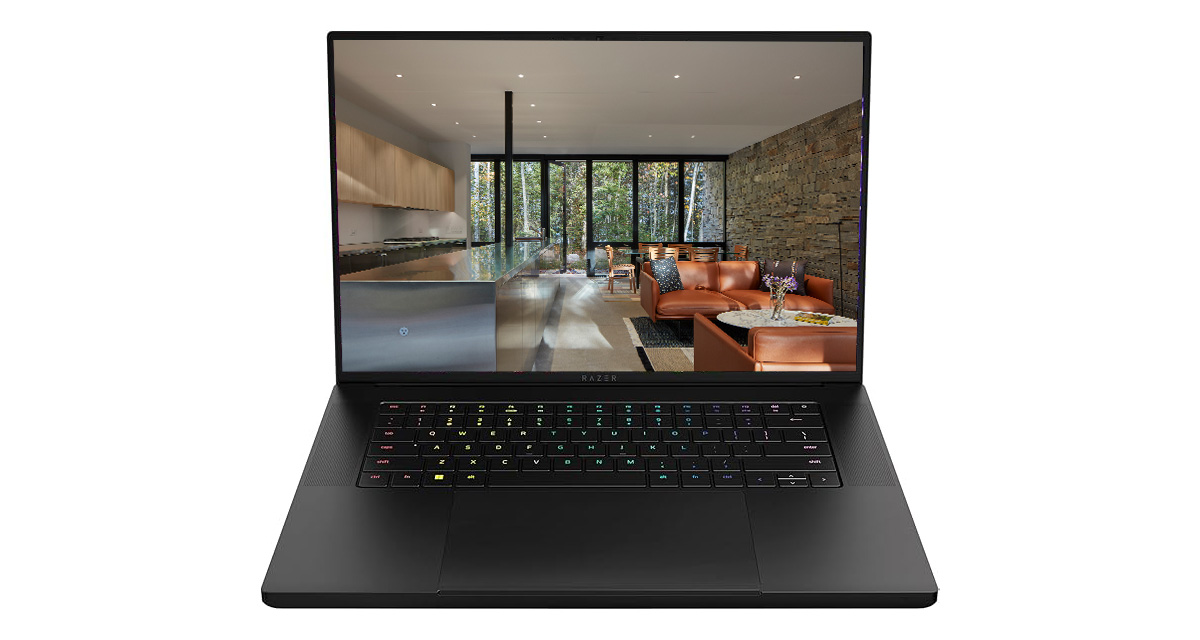 The Razer Blade 14 is built for architects who want serious performance in a form factor that’s genuinely easy to carry every day. At just 14 inches, it manages to pack an AMD Ryzen AI 9 365 processor and an NVIDIA RTX 5070 into a chassis that feels closer to an ultrabook than a traditional gaming laptop.
This setup works especially well for architects moving between studio, home and site while still working inside demanding 3D environments. The RTX 5070 handles real-time visualization, dense models and live lighting workflows in tools like Enscape, Twinmotion, D5 Render and Unreal Engine, while the Ryzen CPU keeps BIM, parametric scripts and multitasking responsive. The 3K OLED display adds another layer of appeal, offering sharp detail, strong contrast and smooth interaction in both drawings and models.
There are trade-offs to this level of portability. Thermal headroom is more limited than on larger machines, and memory is soldered, so configurations should be chosen carefully up front. For those who want similar performance with more cooling capacity and screen space, a 16-inch Razer Blade variant is also available. Still, for architects prioritizing mobility without giving up real GPU power, the Blade 14 remains one of the most convincing portable options on the market.
Lenovo ThinkPad P1 Gen 7
Best Premium Professional Laptop for Architects
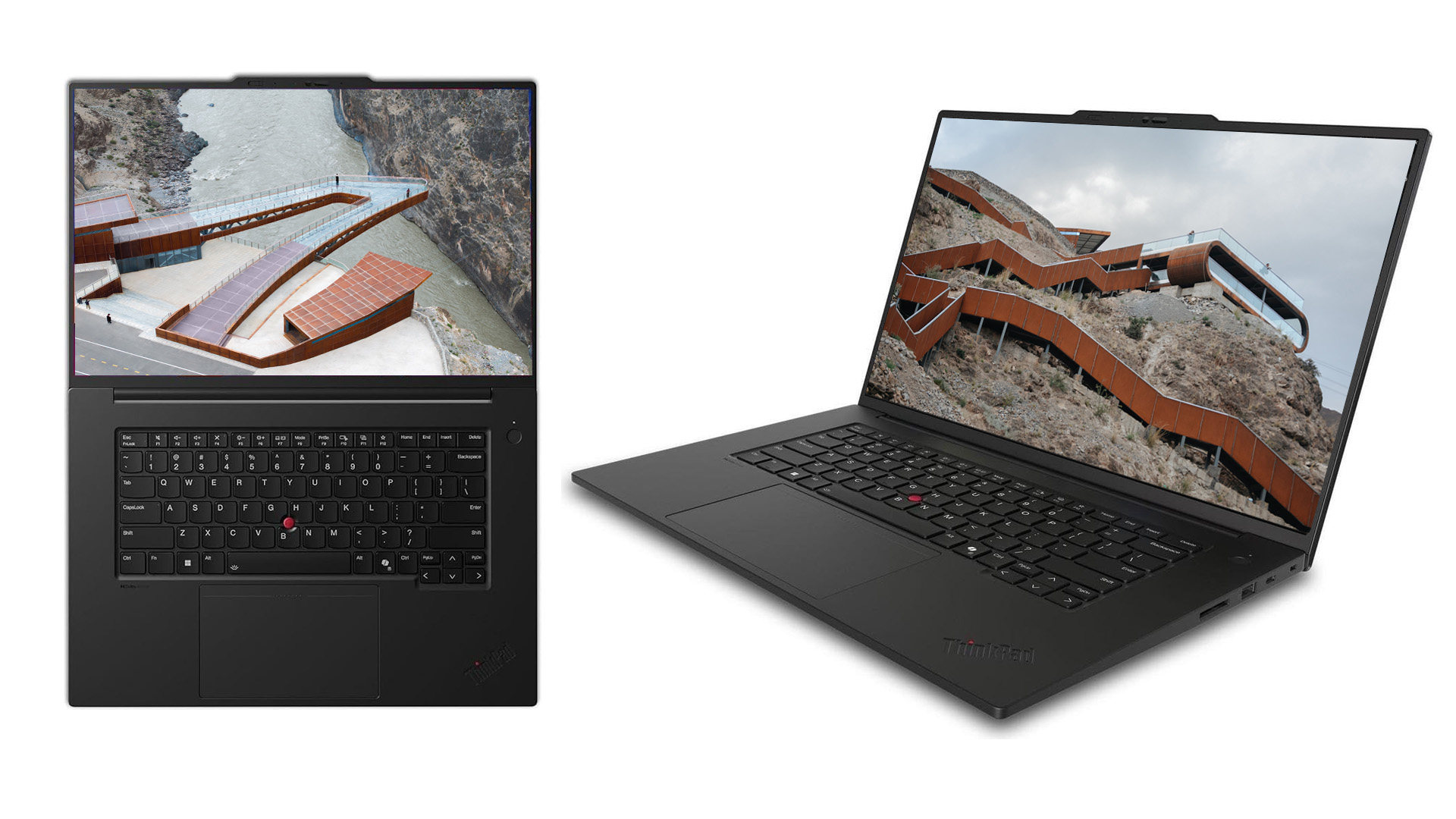 The Lenovo ThinkPad series has long been a reference point for professional laptops, known for reliability, strong build quality and hardware designed to support serious, long-term work. Within that lineup, the ThinkPad P1 sits at the top, combining workstation-grade performance with a form factor that remains practical for everyday use.
The ThinkPad P1 Gen 7 is powered by an Intel Core Ultra 9 185H, a processor well-suited to demanding architectural workloads such as large BIM models, parametric systems and complex documentation sets. Its NVIDIA RTX 3000 Ada GPU prioritizes stability and precision, making it a strong match for CAD, BIM and detailed modeling workflows where consistent behavior matters.
A 16-inch 4K OLED display provides exceptional clarity for drawings, sections and material studies, while 64GB of memory and fast NVMe storage ensure smooth multitasking across large project files. Despite its workstation credentials, the P1 Gen 7 remains relatively lightweight, making it a dependable choice for architects who need professional performance without committing to a full desktop replacement.
ASUS Zenbook Duo
Best Dual Screen Laptop for Architects
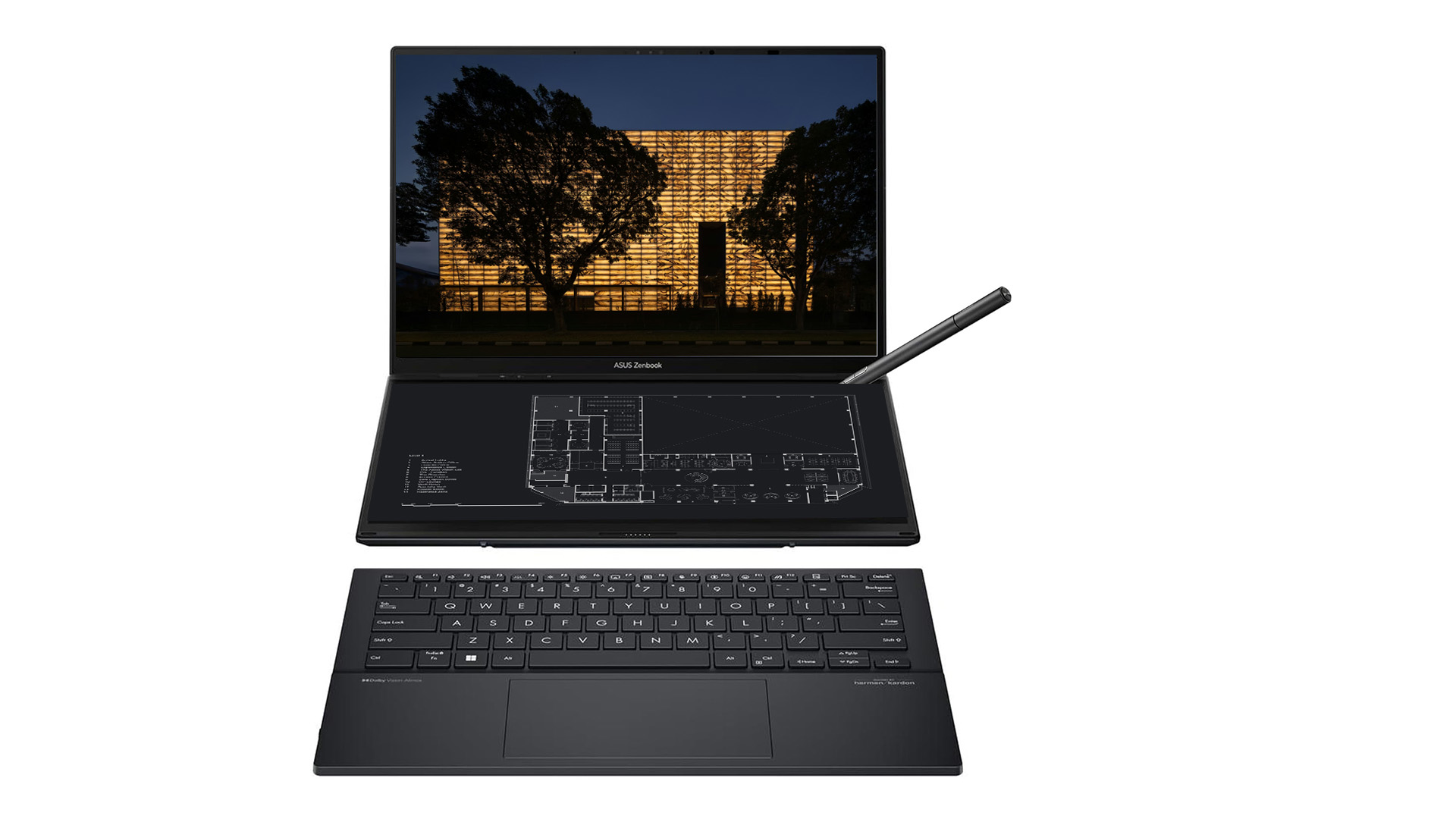 The ASUS Zenbook Duo stands out as a different kind of premium tool for architects who value workspace flexibility over raw graphical power. Its defining feature is the dual 14-inch OLED displays, which change how you organize your day. Drawings can live on one screen while references, schedules or a BIM model sit on the other, reducing constant window switching and keeping your workflow visually connected.
Powered by the Intel Core Ultra 9 285H, the Zenbook Duo is well-suited for CPU-driven tasks such as drafting, documentation, BIM coordination and parametric workflows. The processor handles complex files and multitasking comfortably, while the integrated Intel Arc graphics support lighter 3D work and model review without turning this into a bulky workstation.
This laptop is ideal for architects focused on design development, presentations, coordination and travel-heavy work, especially when portability matters. Lightweight, compact and thoughtfully designed, the Zenbook Duo feels less like a traditional laptop and more like a mobile desk you can open anywhere.
Best Laptop for Architects by Brand
Lenovo Legion Pro 7i
Best Lenovo Laptop for Architects
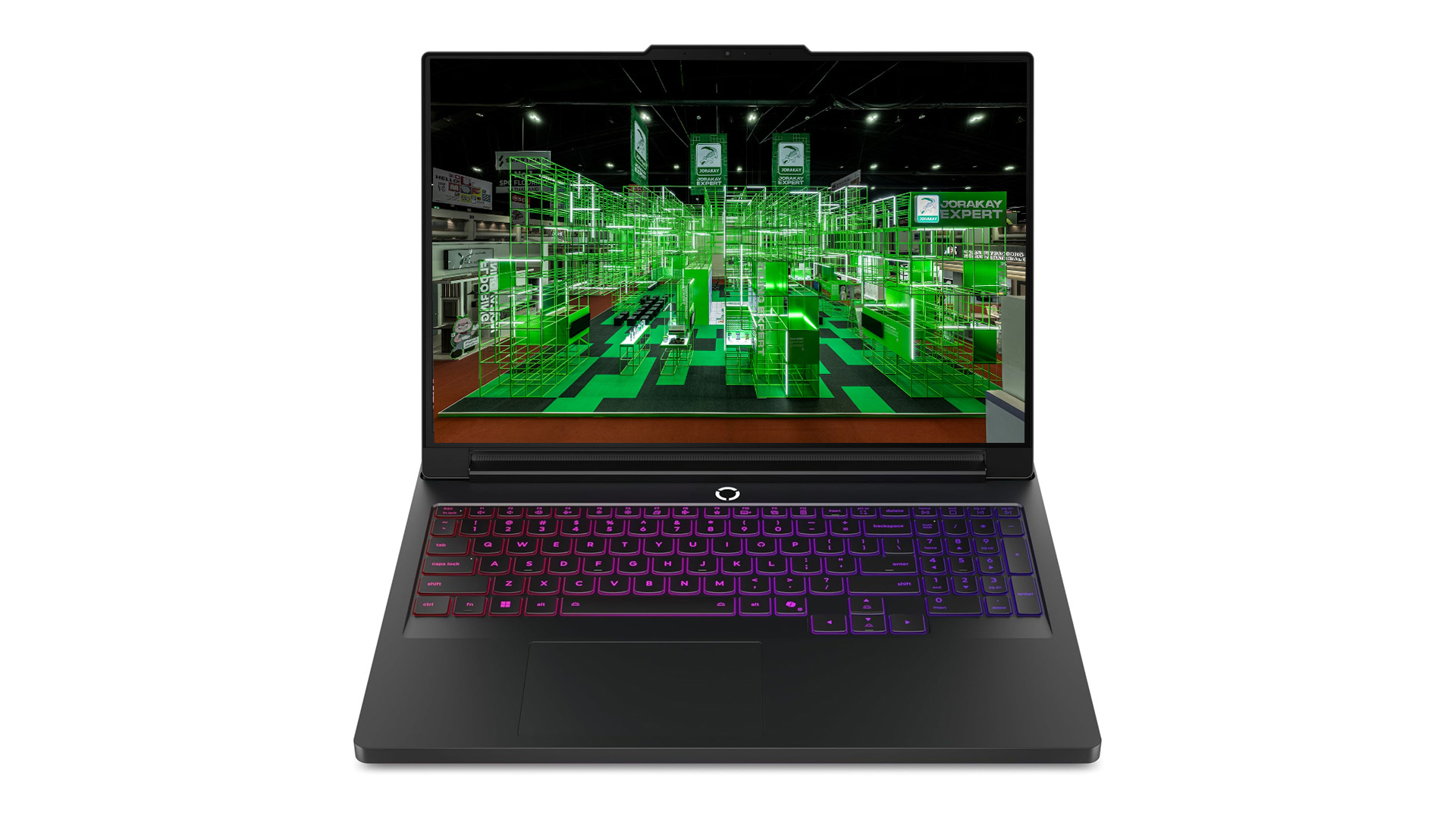 The Lenovo Legion series has become known for delivering high-performance hardware in a form that balances power, cooling and long-session reliability. While originally aimed at demanding users, the Legion lineup has proven especially relevant for architects who need strong CPU and GPU performance without stepping into full workstation territory.
The Legion Pro 7i builds on that reputation with a setup apt for complex architectural work. Its Intel Core Ultra 7 255HX processor handles large BIM files, parametric models and heavy multitasking with ease, while the NVIDIA RTX 5070 Ti provides the graphical headroom needed for detailed 3D models and real-time visualization. This makes it a solid choice for architects working across modeling, coordination and visualization in a single machine.
The 16-inch WQXGA OLED display offers excellent clarity and contrast, which is especially helpful for reviewing drawings and materials. With generous memory, fast storage and robust cooling, the Legion Pro 7i stands out as a dependable, performance-focused option within Lenovo’s lineup for demanding architectural workflows.
ASUS ROG Strix Scar 16
Best Asus Laptop for Architects
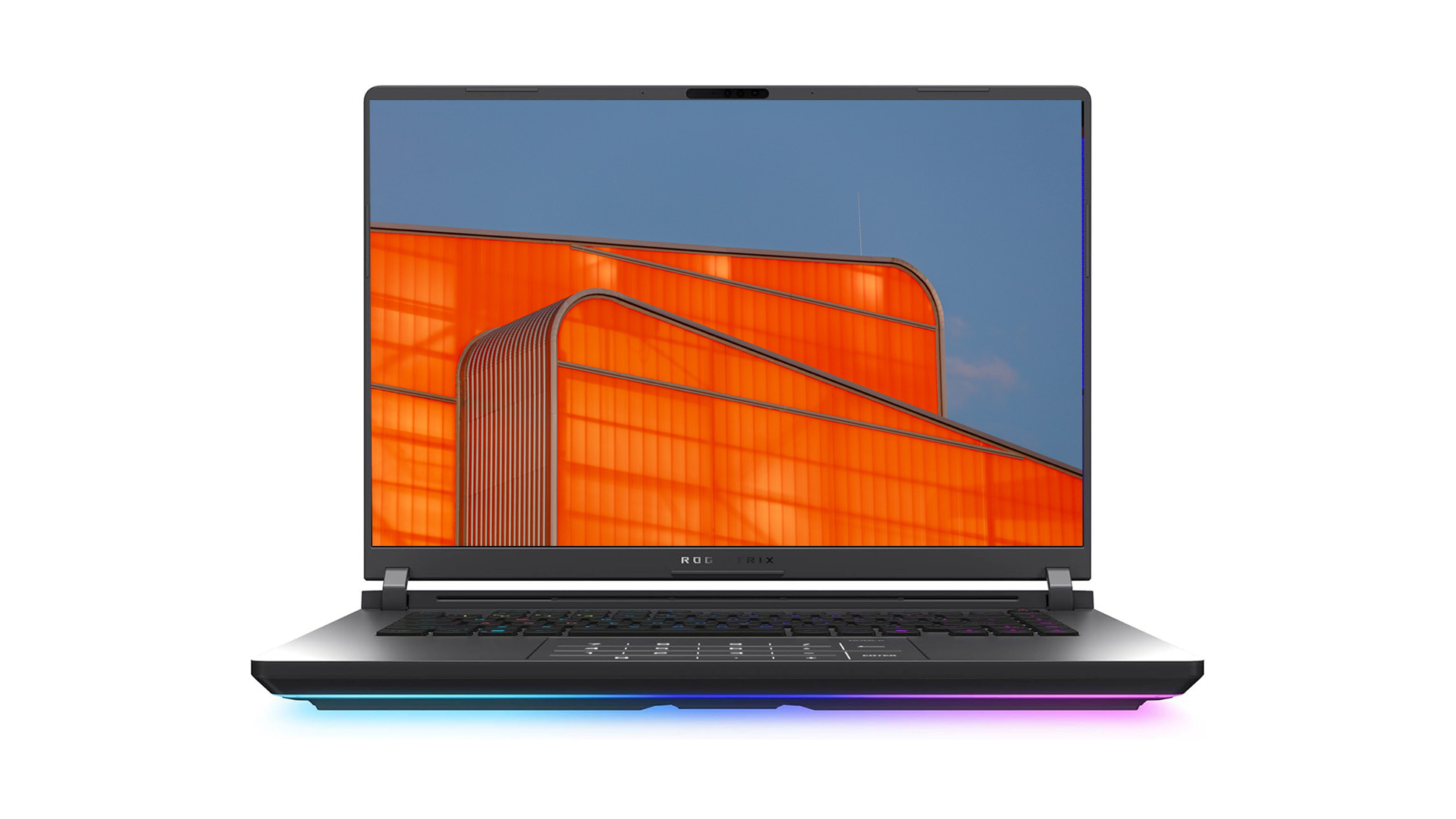 The ASUS ROG Strix G16 (2025) is a strong choice for architects who spend much of their time inside complex 3D models and real-time scenes. Its Intel Core Ultra 9 275HX processor is a good fit for to heavy, multi-threaded tasks such as BIM workflows, large parametric models and CPU-based operations that accumulate quickly in professional projects. Paired with the NVIDIA RTX 5070 Ti, the laptop remains responsive when working with dense geometry, advanced materials and live lighting previews.
This configuration is particularly effective for real-time visualization and rendering workflows in tools like Enscape, Twinmotion, D5 Render and Unreal Engine, where fluid navigation and immediate feedback matter during design reviews or client walkthroughs. It also performs reliably in modeling-heavy environments such as Rhino, Grasshopper and 3ds Max when scenes grow more complex.
The 16-inch 2.5K display with a 16:10 aspect ratio provides extra vertical space for drawings and timelines, making daily work feel less constrained. For architects pushing larger scenes or higher-quality lighting, an RTX 5080 upgrade is available, offering additional headroom for demanding visualization work.
MacBook Pro M4
Best Apple Laptop (Macbook) for Architects
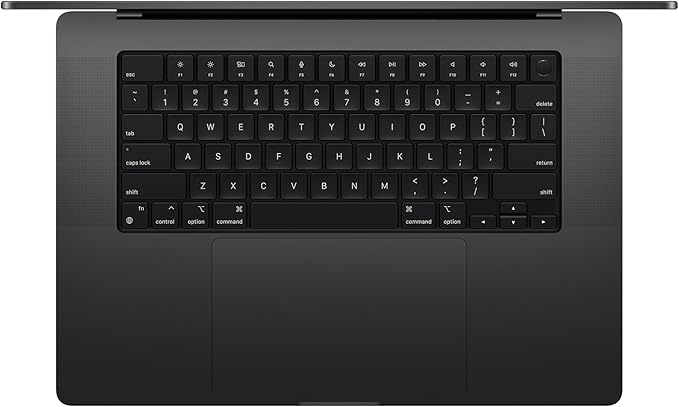
For architects who favor Apple’s ecosystem, the 2024 MacBook Pro with the M4 Pro chip delivers professional-grade performance. The M4 Pro’s 14-core CPU and 20-core GPU handle demanding tasks like 3D rendering, large-scale project compilation and intensive workflows with ease. For more advanced needs, the M4 Max chip offers even greater power.
Its 16.2-inch Liquid Retina XDR display provides high brightness (up to 1600 nits) and excellent color accuracy, making it well-suited for precise design work and presentations. Starting with 24GB of unified memory and 512GB SSD storage, it offers configurations for more extensive project requirements. A 14-inch option is also available, offering similar power in a more compact design for those who prioritize portability.
Optimized for macOS, this laptop integrates efficiently with design tools like Adobe Creative Cloud and Microsoft 365, while Apple Intelligence features improve productivity across devices. With all-day battery life and durable construction, the 2024 MacBook Pro is a reliable choice for architects who value performance and a connected ecosystem.
HP ZBook 8 G1i 16
Best HP Laptop for Architects
 The HP ZBook 8 G1i is a strong choice for architects who prioritize stability, clarity and professional-grade performance over flashy extras. Built around the Intel Core Ultra 9 285H processor with vPro support, it handles CPU-heavy workloads such as large BIM models, complex documentation sets and parametric workflows with confidence. With 64GB of RAM, it’s well equipped for multitasking across demanding files without constant slowdowns, while 32GB configurations are also available for lighter professional needs.
Its 16-inch 3840 × 2400 display offers sharp detail and generous vertical space, which is especially useful when working on drawings, schedules or layered plans. An anti-glare finish keeps it comfortable during long sessions, whether in the studio or on site. For architects who value portability, 14-inch variants of the ZBook line offer a more compact alternative with similar professional positioning.
While the Intel Arc graphics are not aimed at heavy real-time rendering, they are up to the task of modeling, coordination, review work and everyday visualization tasks. Overall, the ZBook 8 G1i feels like a dependable, no-nonsense workstation built for architects who value reliability and a clean, professional setup.
Dell XPS 16
Best Dell Laptop for Architects
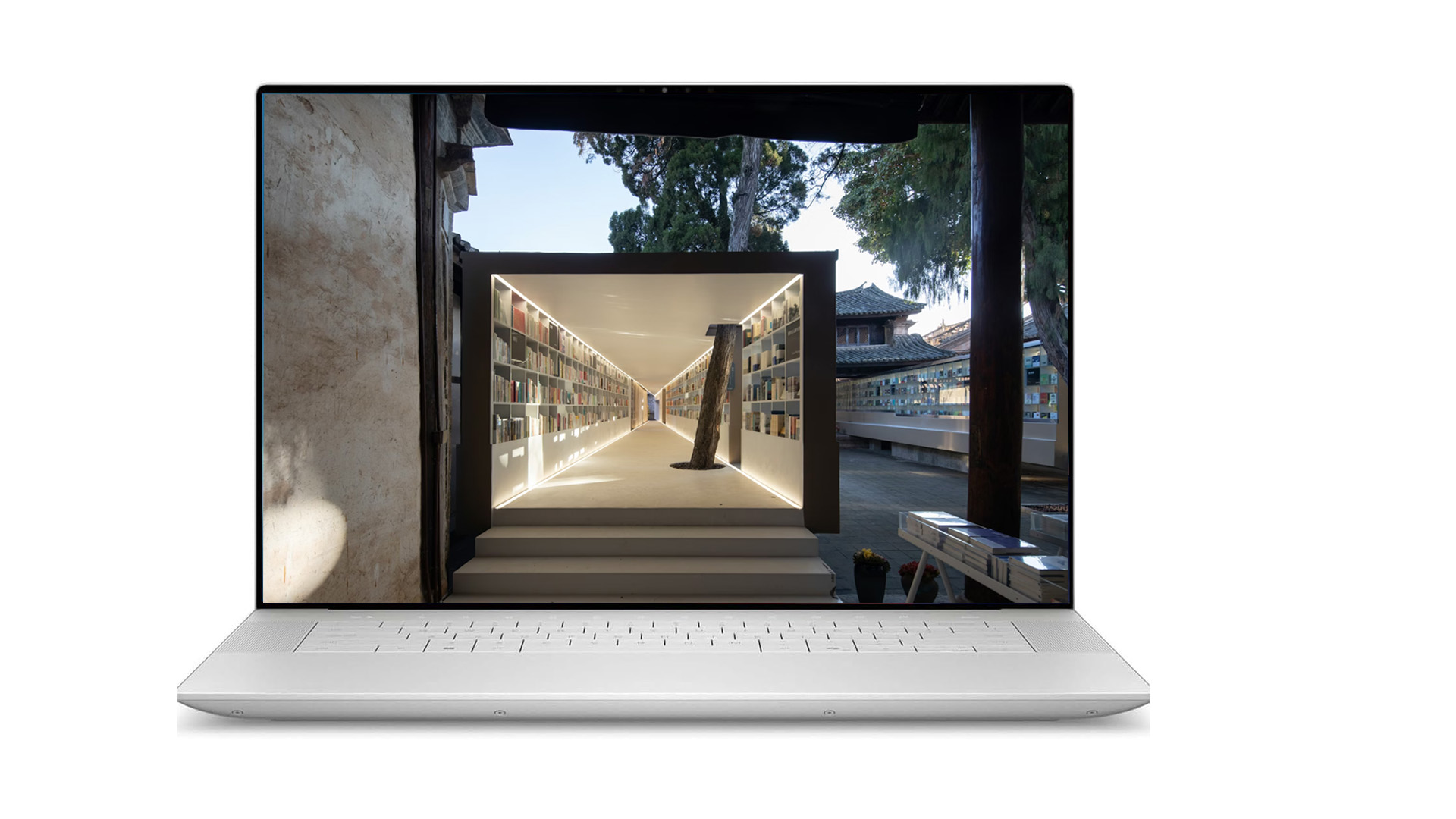 The Dell XPS 16 (9640) is a clean, well-balanced option for architects who want a professional laptop that feels refined without stepping into bulky workstation territory. Built around the Intel Core Ultra 7 155H, it performs reliably across everyday architectural tasks such as drafting, large documentation sets, BIM coordination, and heavy multitasking.
The NVIDIA RTX 4050 provides enough graphical power for 3D modeling, shaded views, and moderate real-time visualization in tools like Enscape, Twinmotion, and D5 Render, as long as projects remain at a manageable scale. It’s not designed for sustained rendering workloads or extremely dense scenes, but for most day-to-day design and review work, it stays responsive and stable.
The 16.3-inch 1920 × 1200 display offers generous screen space in a slim chassis that remains easy to carry between studio, home, and site. Strong build quality, triple Thunderbolt 4 ports, HDMI 2.1, and fast storage make it easy to integrate into a professional workflow without friction. Overall, the XPS 16 works best for architects who prioritize portability, clean design, and dependable performance over maximum graphical output.
Best Budget Laptops for Architects
ASUS TUF F16
Best Laptop for Architects under $1100
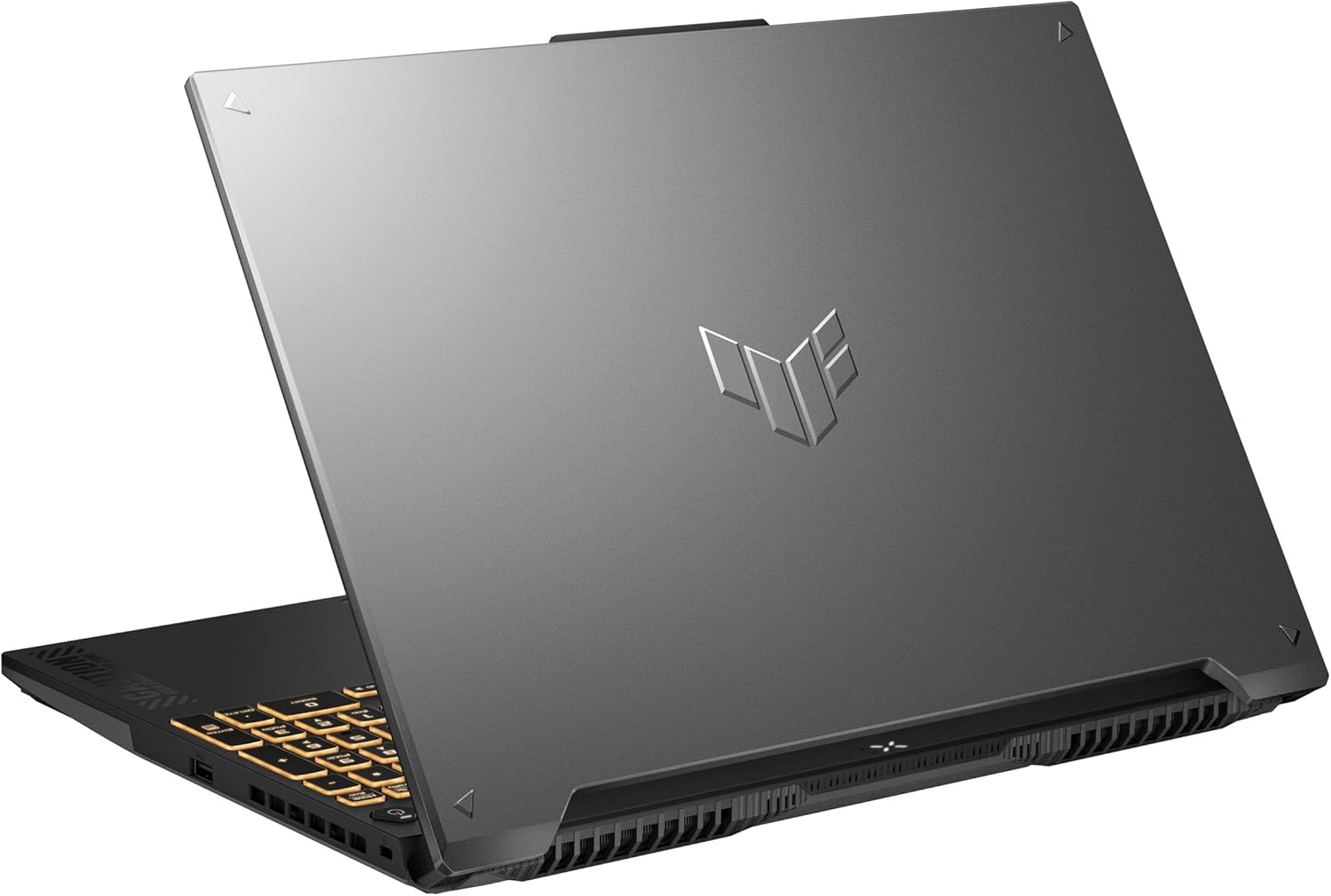
The ASUS TUF Gaming F16 is a dependable budget laptop for architecture students and early-career professionals who need stable performance for everyday design work. With its Intel Core 5 210H processor and NVIDIA RTX 4050, it handles drafting, BIM coordination and moderate 3D modeling comfortably, making it well-suited for tools like AutoCAD, Revit, SketchUp and Rhino when projects are not overly complex.
The 16-inch FHD+ display uses a 16:10 aspect ratio, which gives you more vertical space for drawings, schedules and documentation. This makes long studio sessions and academic work feel less cramped than on standard 16:9 laptops. Its robust cooling and military-grade durability also make it a practical choice for students moving between studio, home and site.
Compared to the Lenovo LOQ, the TUF F16 leans toward reliability and screen usability rather than heavier visualization. The LOQ is the better fit for real-time rendering and larger 3D scenes, while the TUF F16 works best for consistent, day-to-day architectural work where stability matters more than peak graphical output.
Lenovo LOQ
Best Laptop for Architects under $1000
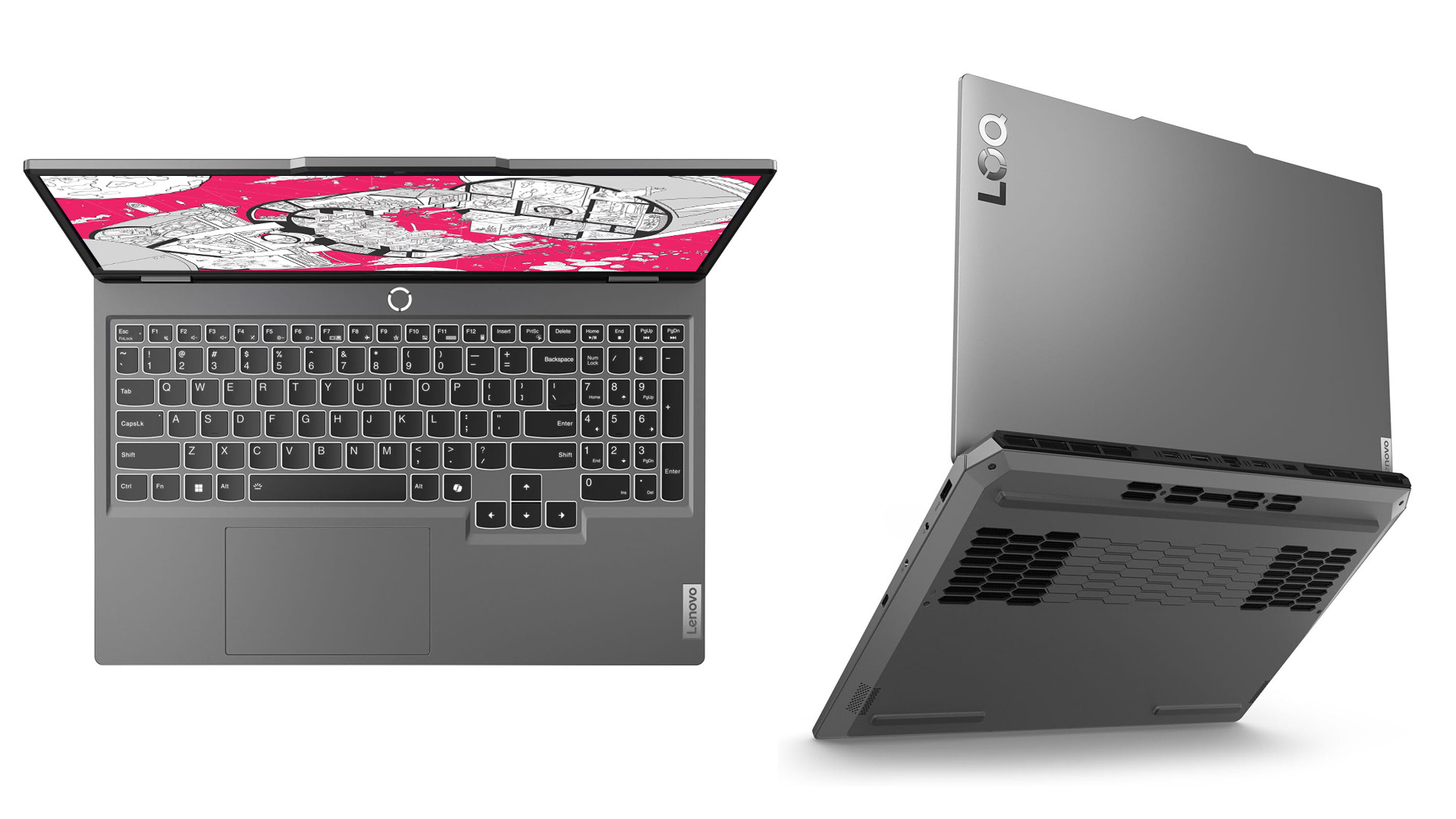
The Lenovo LOQ 15 is a solid entry-level option for architecture students and early-career professionals who need real GPU power without stepping into higher price tiers. Built around the AMD Ryzen 5 7235HS, it handles everyday architectural workloads such as drafting, BIM coordination and moderate parametric work reliably, especially when paired with sufficient RAM.
The NVIDIA RTX 4050 makes a noticeable difference compared to integrated or older GPUs. It allows smoother navigation in 3D models and supports real-time visualization in tools like Enscape, Twinmotion or D5 Render, as long as scene complexity stays reasonable. This makes the LOQ suitable for studio projects, coursework and smaller professional jobs rather than large, production-scale visualization.
Its 15.6-inch FHD 144Hz display prioritizes responsiveness over resolution, which works well for modeling and general use, even if it’s not aimed at detailed visual review. One of the LOQ’s biggest strengths is configurability: higher RAM and storage options allow the laptop to scale with more demanding workflows over time. Overall, it’s a practical, cost-effective choice for architects who want dependable performance at a budget-friendly price point.
Acer Nitro 5
Best Laptop for Architects under $900
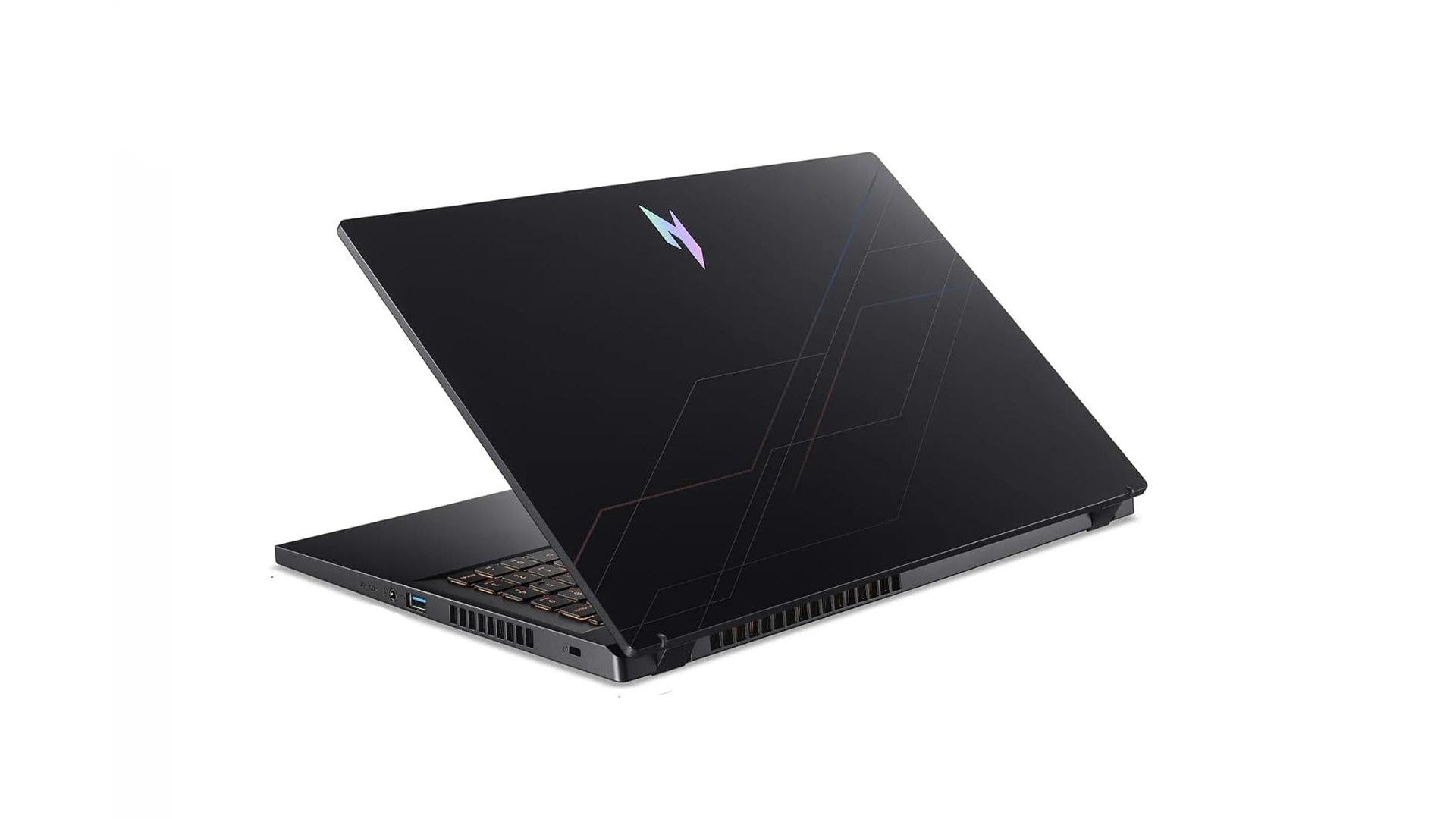
The Acer Nitro V 15 is one of the most accessible entry points for architecture students and junior professionals who need real GPU power without stepping into higher price tiers. Built around Intel’s i5-13420H and paired with an RTX 5050, it’s capable of handling everyday architectural workloads such as drafting, BIM modeling and moderate 3D scenes with confidence.
This configuration works well for AutoCAD, Revit, SketchUp and Rhino, while also offering enough headroom for introductory visualization and rendering tasks when projects remain at a manageable scale. The 15.6-inch FHD display keeps things straightforward and functional, offering smooth interaction without prioritizing resolution over performance.
Where the Nitro V stands out is flexibility. While the base model ships with 16GB of RAM and a 512GB SSD, higher configurations are available with significantly more memory and storage, allowing the laptop to grow alongside more demanding coursework or professional projects. The tradeoff is a simpler build and display compared to models like the ASUS TUF or Lenovo LOQ, but for students focused on capability first, the Nitro V delivers strong value for the work it’s meant to handle.
HP Victus 16
Best Laptop for Architects under $800
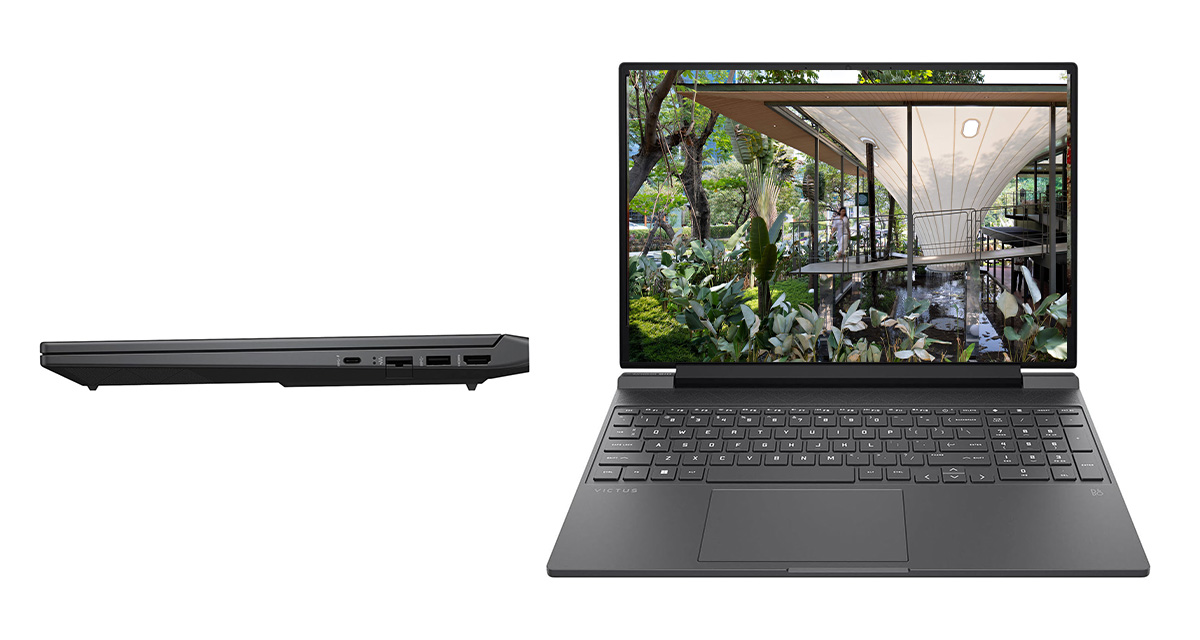
The HP Victus 15.6 is a straightforward, no-frills laptop that works well for architecture students or anyone just getting started with 3D work. The Intel Core i5-12450H is fast enough for everyday tasks like drafting, documentation and working in BIM files, while the RTX 3050 gives you a real graphics card for basic modeling, shaded views and light rendering.
The 15.6-inch FHD 144Hz screen feels smooth to use and is comfortable for long work sessions, especially when moving around models or drawings. With 16GB of RAM and a 1TB SSD, it handles multitasking well and doesn’t feel sluggish when jumping between software.
It’s not meant for heavy visualization or large-scale renders, but for students, early-career architects or anyone on a tighter budget, the Victus 15 does the job reliably without trying to be more than it is.
Top Laptops for Architects and Designers in 2025
Premium Laptops for Architects
Best High-End Upgradeable Laptop for Architects: MSI Titan 18
Best Extreme Power Laptop for Architects: Lenovo Legion Pro 7i
Best Large Screen Laptop for Architects: Alienware m18 R2
Best High-End Gaming Laptop for Architects: Razer Blade 16
Best High-End Portable Laptop for Architects: ASUS Zephyrus G14
Best Laptop for Architects by Brand
Best Lenovo Legion Series Laptop for Architects: Lenovo Legion Pro 5i
Best Lenovo Thinkpad Series Laptop for Architects: Lenovo ThinkPad P1 Gen 6
Best ASUS Laptop for Architects: ASUS Zephyrus G16
Best Apple Laptop (Macbook) for Architects: Apple MacBook Pro 16″ M4
Best Dell Workstation for Architects: Dell Precision 7680 16″ Mobile Workstation
Best Dell Gaming Laptop for Architects: Dell G16
Best HP Laptop for Architects: HP ZBook Fury 16 G10
Best Budget Laptop for Architects
Best Laptop for Architects under $1000: ASUS TUF A16
Best Laptop for Architects under $900: Lenovo LOQ 15
Best Laptop for Architects under $800: Acer Nitro 5
Best Laptop for Architects under $700: HP Victus 16
Top Laptops for Architects and Designers in 2024
Premium Laptops for Architects:
Best Mobile Workstation for Architects: Lenovo ThinkPad P16 Gen 2
Best Gaming Laptops for Architects: MSI 2024 Newest Katana 17 Gaming Laptop
Best Thin / Portable Laptop for Architects: Lenovo Yoga 9i 2-in-1 Intel (14″)
Best Multi-Screen Laptop for Architects: ASUS ROG Zephyrus Duo 16
Best 2-in-1 Laptop for Architects: Microsoft Surface Laptop Studio 2
Best Laptop for Architects by Brand
Best ASUS Laptop for Architects: ASUS 2023 ProArt StudioBook 16 OLED Laptop
Best Dell Laptop for Architects: Dell XPS 17 (2023)
Best Lenovo Laptop for Architects: Lenovo Legion Pro 5i Gen 8
Best HP Laptop for Architects: HP ZBook Studio G10 16″ Mobile Workstation
Best Apple Laptop (MacBook) for Architects: MacBook Pro 16 M3
Best Budget Laptops for Architects
Best Laptop for Architects Under $1100: Lenovo LOQ Gaming Laptop, 15.6″
Best Laptop for Architects under $900: Dell Inspiron 14
Best Laptop for Architects under $800: HP Victus 15
Best Laptop for Architects under $700: Acer Nitro 5
Best Laptop for Architects under $600: Acer Swift 3
Top Laptops for Architects and Designers in 2023
Premium Laptops for Architects:
Best Mobile Workstation for Architects: HP ZBook Firefly G9 Mobile Workstation
Best Gaming Laptops for Architects: Dell Alienware m15 R7 Gaming Laptop
Best Touchscreen Laptop for Architects: Lenovo IdeaPad Slim 9i 14’’ Laptop
Best Multi-Screen Laptop for Architects: ASUS ROG Zephyrus Duo 16 Gaming Laptop
Best 2-in-1 Laptop for Architects: Microsoft Surface Pro 9
Best Laptops for Architects By Brand
Best HP Laptop for Architects: HP ZBook Fury G8 Mobile Workstation
Best Dell Laptop for Architects: Dell Inspiron 15.6’’ FHD Touchscreen Laptop
Best Lenovo Laptop for Architects: Lenovo ThinkPad P1 Gen 5 Laptop
Best MSI Laptop for Architects: MSI 2022 GE76 Raider 17.3″ 144 Hz FHD Gaming Laptop
Best Apple Laptop for Architects: Apple 2022 MacBook Pro Laptop with M2 chip
Budget Laptops for Architects and Designers:
Best Laptop for Architects Under $900: Lenovo IdeaPad Gaming 3 Laptop
Best Laptop for Architects Under $800: HP 2023 17.3″ FHD Laptop
Best Laptop for Architects Under $700: Acer 2022 Aspire 5 Slim Laptop 15.6″
Other Considerations
Mac vs. Windows: In terms of hardware and operating system, it all comes down to your personal preference. High-end Apple and PC laptops are well geared to handle the challenges offered by the job. Windows 10 is arguably more user friendly as it supports a wide array of software but is exposed to more viruses than Mac. The Macbook Pro in particular is well perceived by professionals as being great for graphic applications but is considered by many to be overpriced. That said, Apple makes our list this year, thanks to improvements to Parallels, which allows Windows software to be run on Mac. Andy Roehl, architect at Moonlight Design Studio, LLC, asserts that “running parallels on a current Apple laptop is no problem; [it works] much better now than 10+ years ago.”
Gaming laptops: A growing trend within the architecture and design professions is the adoption of gaming laptops, thanks to their powerful specifications. Built to handle incredibly detailed graphics and demanding streaming requirements, the processing power of gaming laptops make them ideal for BIM and architectural visualization tasks, and often cost less than top-of-the-range mobile workstations. Marsha McDonald, Principal Designer and CEO of Seacrest Designs and Decor, sums it up perfectly: “If my kids are fighting me for my system (they are gamers), then I know I am golden!”
Ports and peripherals: “For peripherals,” says Christiana Copper, Project Manager at TyE Bar, LLC, “my favorite mouse is the Logitech G602 – I program canned email responses on the programmable buttons, but you could probably do CAD macros as well. I also bought monitor arms this year, and I am really enjoying them.” Consider how many USB ports, ethernet ports and other specialist ports you might need; this will vary depending on your preference for wired or wireless peripheral such as computer mice, touch pads and external hard drives.
Useful Accessories:
Vertical / Ergonomic Mouse: Allow your hand to rest at a more natural angle on the mouse, easing your muscles.
External monitor: By displaying the screen closer to your eye level, this addition to your home office makes it easier to catch details while reducing neck and back pain.
Laptop Stand: A helpful way to keep your device from overheating, these stands also allow you to adjust your laptop screen to a comfortable height. To maximize the benefits, this stand is best when accompanied by an external keyboard that keep the keys at a convenient level for your wrists.
Portable External SSD: An external hard drive is a high power way to manage archives and keep your laptop storage neat and spacious.
Got your own view on which is the best laptop for architects and architecture students? Let us know at editorial@architizer.com.
Architizer Journal is reader-supported. When you buy through Amazon links on our site, we may earn an affiliate commission. Learn more
The post 14 Top Laptops for Architects and Designers (NEW for 2026) appeared first on Journal.